
How to find the model and serial number on commercial kitchen equipment
Find the model and serial number: where the data plate sits on walk-ins, reach-ins, ice machines, ovens and more, plus what to have ready.
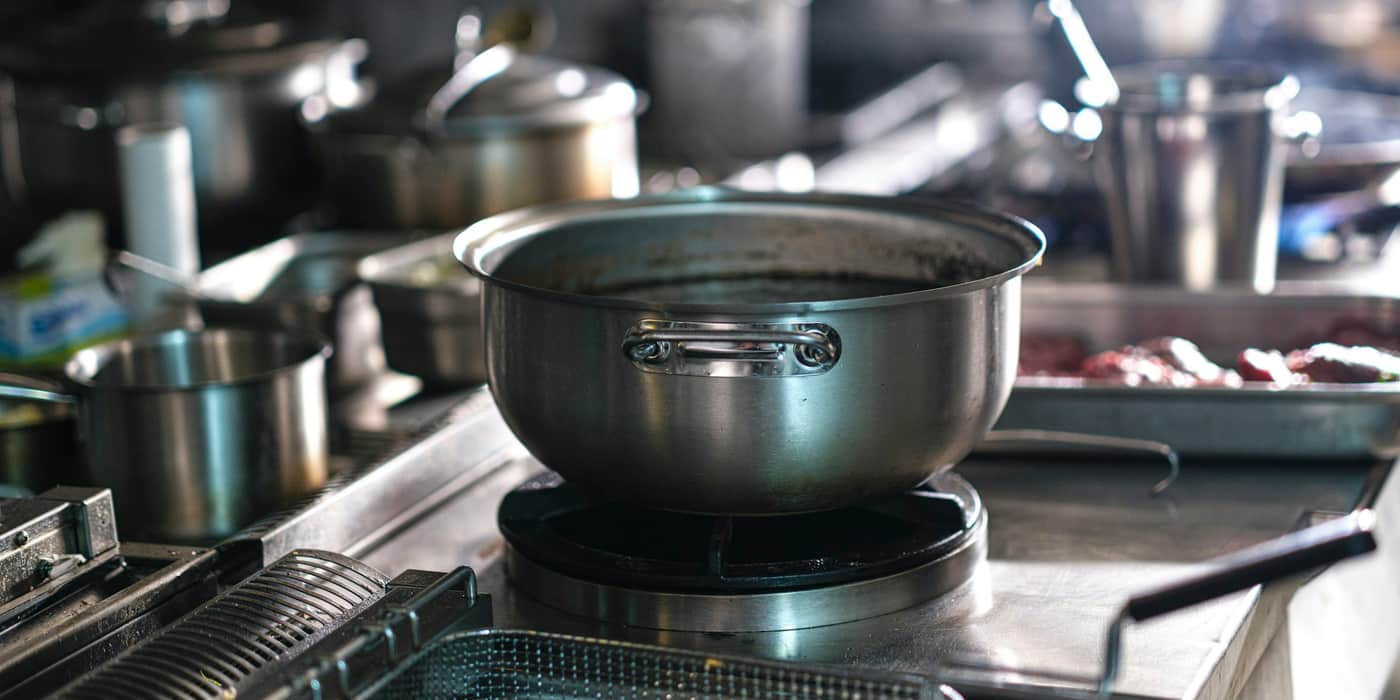
Where is the model and serial number on commercial kitchen equipment?
Every commercial unit carries a data plate, usually metal or a printed label, listing model, serial, voltage and ratings. Look inside the cabinet or door frame, or on the back or side, without opening any electrical or control cover. Photograph it with a phone, then read the digits from the picture.
Why does the technician need the model and serial number?
Model and serial tell a technician what the equipment is, how old it is, and which parts fit it. Two refrigerators from the same brand can look identical and use different compressors, controllers and fans. Two ice machines can share a name and differ in the evaporator, the condenser type and the water system. The plate settles it in one photo.
The plate also lists the electrical data: voltage, phase, amps and sometimes the circuit breaker size. On refrigeration, it lists the refrigerant type and sometimes the charge. On gas equipment it lists the fuel type and the burner input. A tech who knows those before arriving brings the right meter, the right parts to quote against, and the right plan for access. That is why an emergency repair call goes better with a photo.
Manufacturer coverage often depends on the serial number as well. If the unit is still covered by the manufacturer, the manufacturer's authorized service network is the first call, and the network will ask for the serial before anything else.
Where do you find the plate on each type of equipment?
Placement varies by maker and by model year, so treat the table as a map of where to look first and not a fixed rule. If the plate is not where you expect, check the rest of the cabinet before assuming it is missing.
| Equipment | Where to look first | Notes |
|---|---|---|
| Reach-in refrigerator or freezer | Inside the cabinet on a side wall near the top, or on the door frame | Some are on the back panel or under the cabinet |
| Refrigerated prep table | Inside the cabinet on a wall, or under the pan rail lid | A second label may be on the condensing unit |
| Walk-in cooler or freezer | Separate plates on the condensing unit, the evaporator coil housing inside the box, and the box panels near the door | Three plates, three different model numbers |
| Ice machine | On the back or side of the head, and again inside the cabinet | Bin, head and remote condenser each carry their own plate |
| Door-type or conveyor dish machine | On the side or front panel, near the control box; if it is behind a panel, do not open the control box: photograph what you can see | The booster heater has its own plate |
| Fryer | Inside the cabinet door or on the front frame | Gas units list the fuel type on the plate |
| Range and griddle | On the frame inside the oven door or behind the kick panel | Griddles may be at the side or front |
| Convection or combi oven | Side panel or rear of the unit; if it is behind the control panel cover, do not open it: photograph the outside and tell us | On many combi ovens the plate is visible only with the door open, on the door edge or the lower front frame |
| Mixer | On the column, the rear of the base, or the underside of the head | Attachments have separate plates |
| Meat slicer | On the underside or rear of the base | Tip the slicer only with the blade off and the plug out |
| Espresso machine or coffee brewer | Rear panel, underside, or beneath the drip tray | Grinders carry their own plate |
| Exhaust fan or make-up air unit | On the motor and on the unit housing | Do not climb to a roof for it; photograph the hood's own listing label inside the hood, with the line off and cool, if reachable |
What if the plate is worn, painted over or missing?
Kitchens are tough on labels. Grease, steam and cleaning chemicals take the print off, and some plates get painted during a remodel. Wipe the area with a damp cloth, and use a phone flashlight held at a low angle across the plate. Raised stamping and scratches that are invisible head-on show up in raking light.
If the plate is gone, go for the paperwork. Installation invoices, the owner's manual, a warranty card, a lease or purchase record, and the dealer's order history may all list the model and serial. Some equipment also has a second tag on a component, like the compressor on a refrigerator or the motor on a mixer. A tech can use those to narrow down the model.
A photo of the whole unit, front and side, helps when no number can be found. Brand pages on this site, such as True, Hobart and Manitowoc, tell you where that maker puts its tag.
What should you have ready when you call?
Gather the facts before you dial. A call that starts with a clear photo and a plain description goes faster than one that starts with a description of the equipment from memory.
The more complete the picture, the better the first visit goes. The tech arrives knowing what the unit is and what it is likely to need, and a diagnosis with a written price comes sooner.
- A phone photo of the data plate, readable at full size.
- The brand, equipment type and approximate age or install date.
- What it is doing, when it started and what changed just before.
- Any display code, fault light or alarm, written exactly as shown.
- Whether the breaker tripped and whether you reset it.
- Whether it is plug-in or hardwired, and whether it runs on gas or electricity.
- Access details: loading dock hours, keys to a mechanical room, roof access, and who meets the tech.
- Whether the unit is under the manufacturer's warranty.
How do you keep the information from getting lost?
Do it once. Walk the kitchen with a phone and photograph every data plate on equipment you own, along with a wide shot of the unit so you can match the picture to the machine later. Put the pictures in a folder, and type the model and serial into a simple sheet next to the install date, the supplier and the warranty end date.
Add a column for each piece's last service date and the problem that was fixed. That sheet becomes the history a tech wants when a unit starts to act up, and it feeds your preventive maintenance schedule. When a unit has been repaired three times in a year, the sheet is also the evidence behind a replace-or-repair decision, which the repair or replace guide walks through.
When equipment is replaced, update the sheet when the new unit is installed. A serial number for a machine that left the building is worse than none.
A safe sequence to follow
Turn the equipment off if you need to move it
Do not pull a unit away from the wall or tip it unless it is unplugged, cool and stable.
Check the cabinet and frame
Open the door and look at the inside walls, the door frame and the underside of the top rail.
Check the back and sides
Look at the rear and side panels. Use a flashlight if the area is tight.
Clean and angle the light
Wipe the plate with a damp cloth, then hold a phone flashlight at a low angle.
Photograph the plate
Take a sharp picture, then another with the whole unit in frame.
Record the details
Type the model, serial, voltage and refrigerant or fuel into your equipment sheet.
When to stop and call
- You cannot find a plate after checking the cabinet, door frame, back and sides.
- The plate is unreadable and no paperwork shows the model.
- The unit appears to have been rebuilt or fitted with a different compressor or motor than its plate shows.
- You are about to buy a replacement part and want the model confirmed first.
Questions about this problem
Why does an ice machine have more than one model number?
A modular ice machine is built from separate pieces. The head that makes the ice, the bin that stores it and a remote condenser if one is used each carry their own plate. A tech needs the head's model and serial first, since that is where the ice-making parts are.
Does the serial number tell the age of the equipment?
On many brands the serial number tells the age of the equipment, because the serial encodes a build date. The coding differs by maker and sometimes changes by model year, so the maker or an authorized dealer is the reliable source, not a guess from the digits.
A walk-in has three different plates. Which one do I give?
For a walk-in with three plates, give the plate for the failing part. For a cooling problem that is usually the condensing unit or the evaporator. For a door or panel problem it is the box plate. If you are unsure, photograph all three and have them ready when you call.
Is a phone photo good enough?
Yes, a phone photo of a data plate is good enough if the digits are sharp when you zoom in on the full-size image. Take it straight on, avoid glare from the flash, and take a second wider picture so the plate can be matched to the machine it came from.